Pager Zero
A downloadable game for Windows and Linux
Investigate system failures in a small online bookshop, from a quiet room with rain outside.
You're on call for Listok. The catalog won't load, orders get stuck, and confirmation emails arrive late. Customers are waiting. It's your job to find what went wrong and get the shop working again.
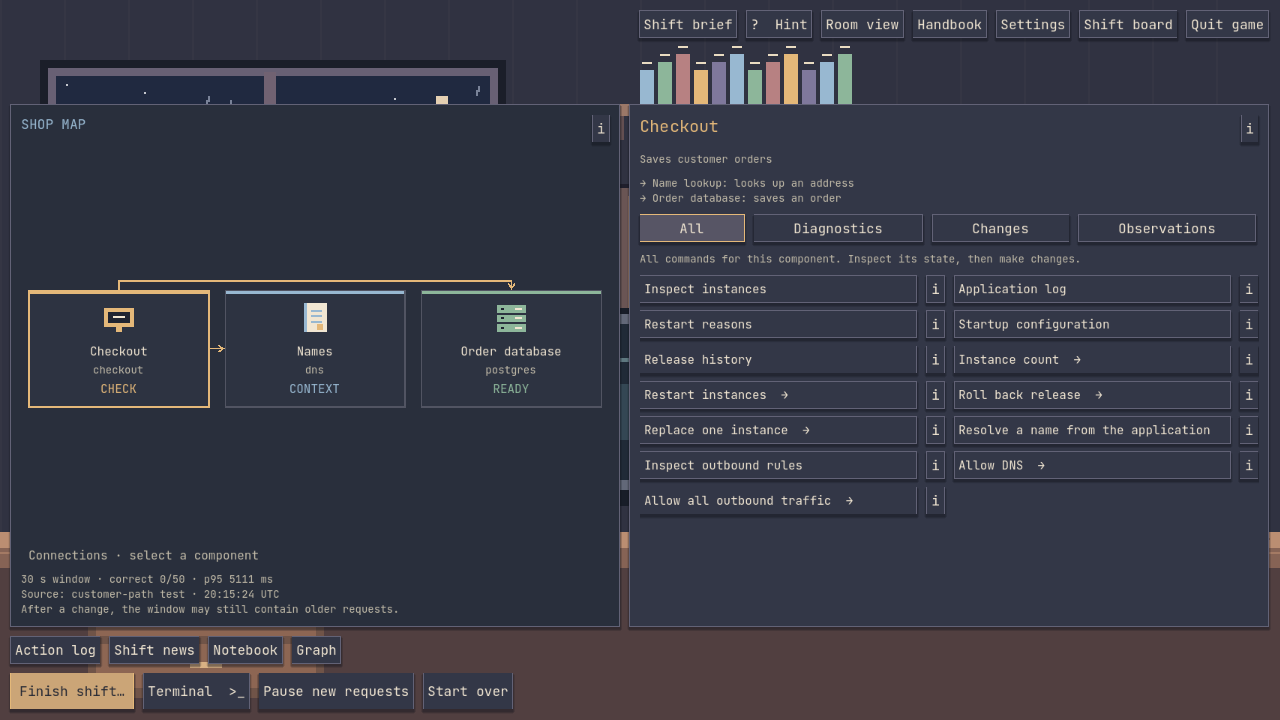
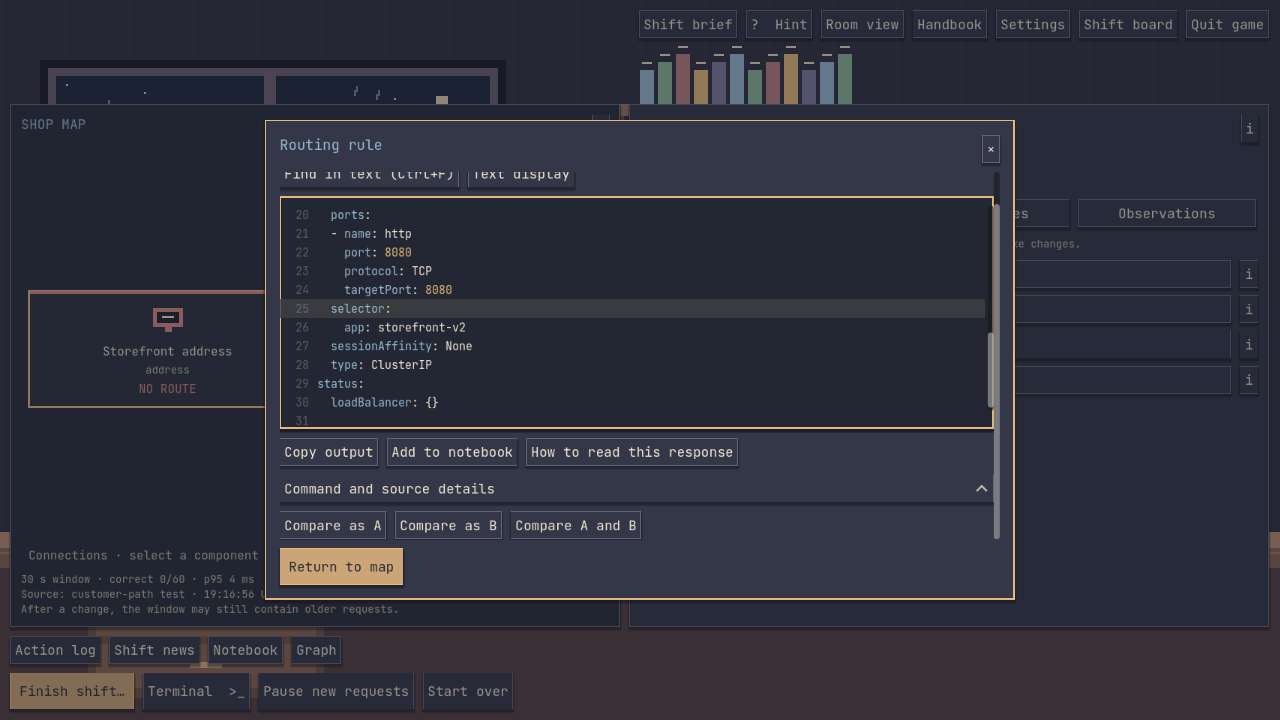
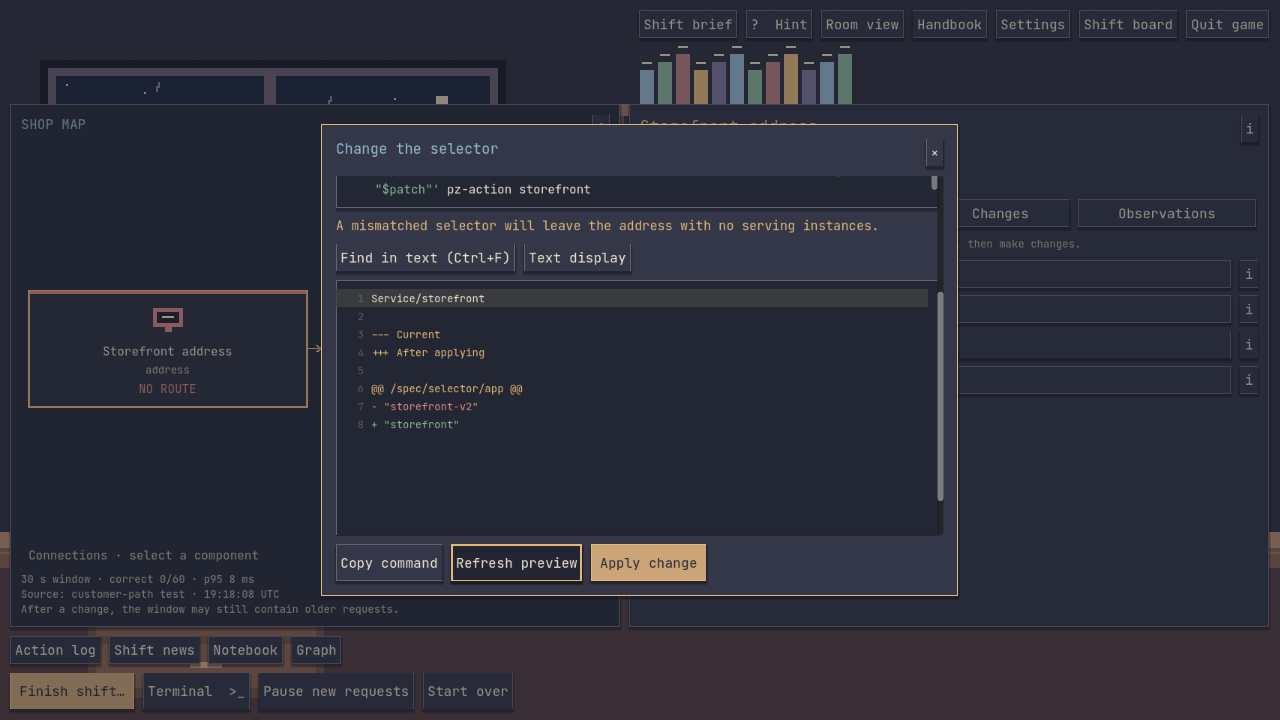
Follow a request through the shop's services. Read the logs, compare configurations, and test your ideas. Preview a change before applying it, then make a fresh request to see whether the repair worked. Each shift gives you a different failure to untangle.
Investigate at your own pace
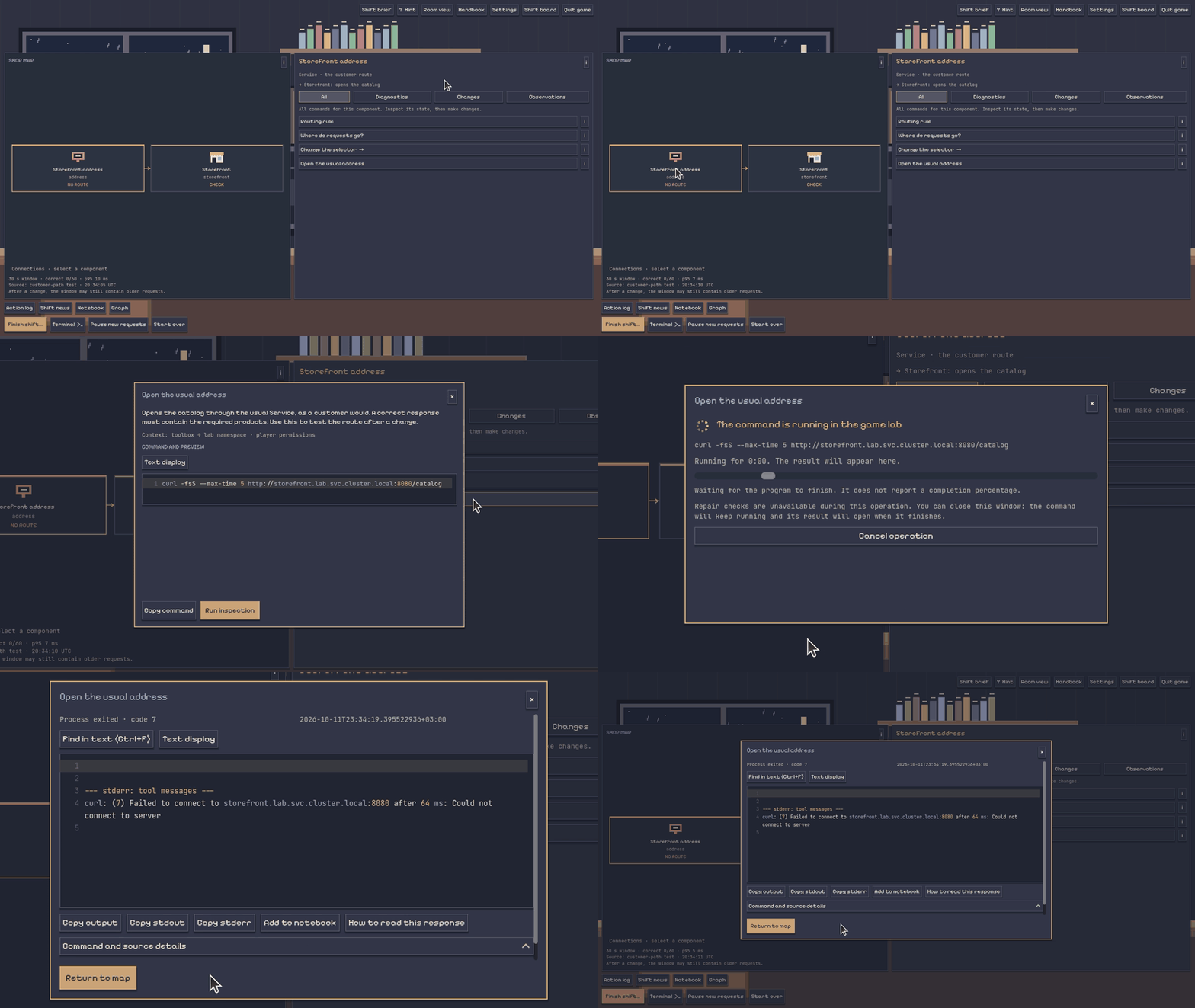
- Work with real systems. The shop's applications run on your computer in an isolated practice environment. Commands produce real output, and your changes affect the running shop.
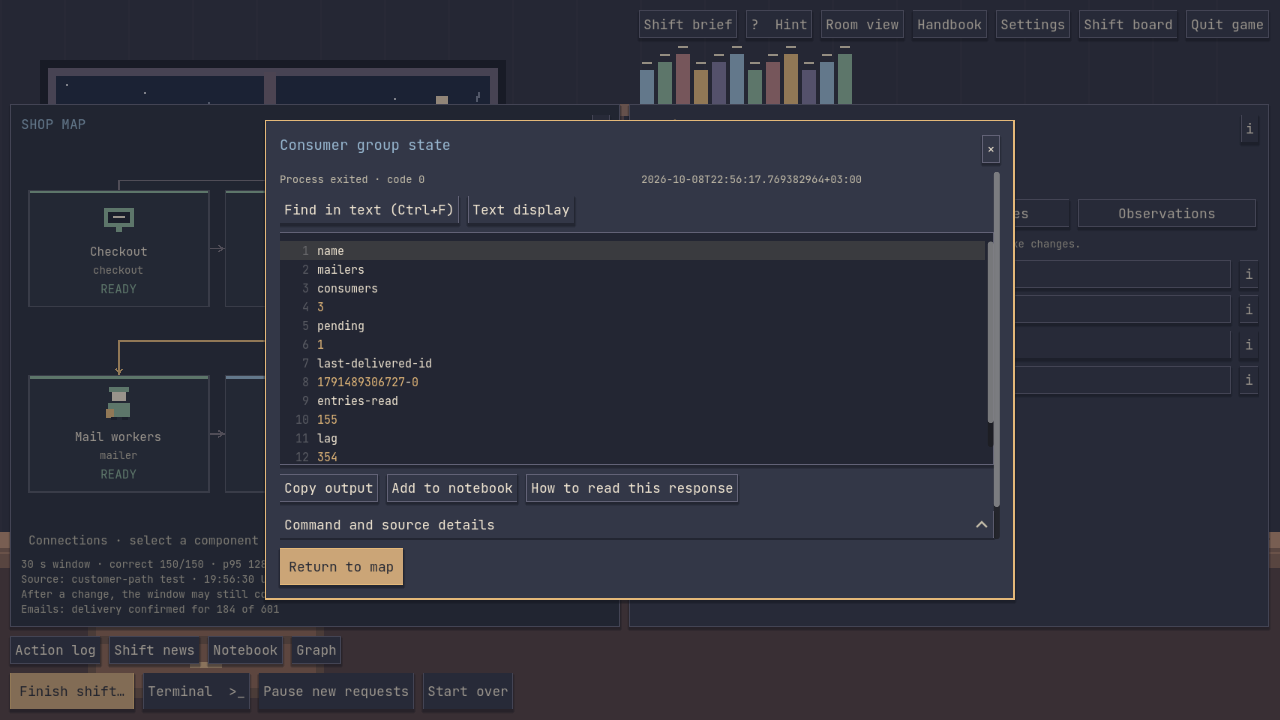
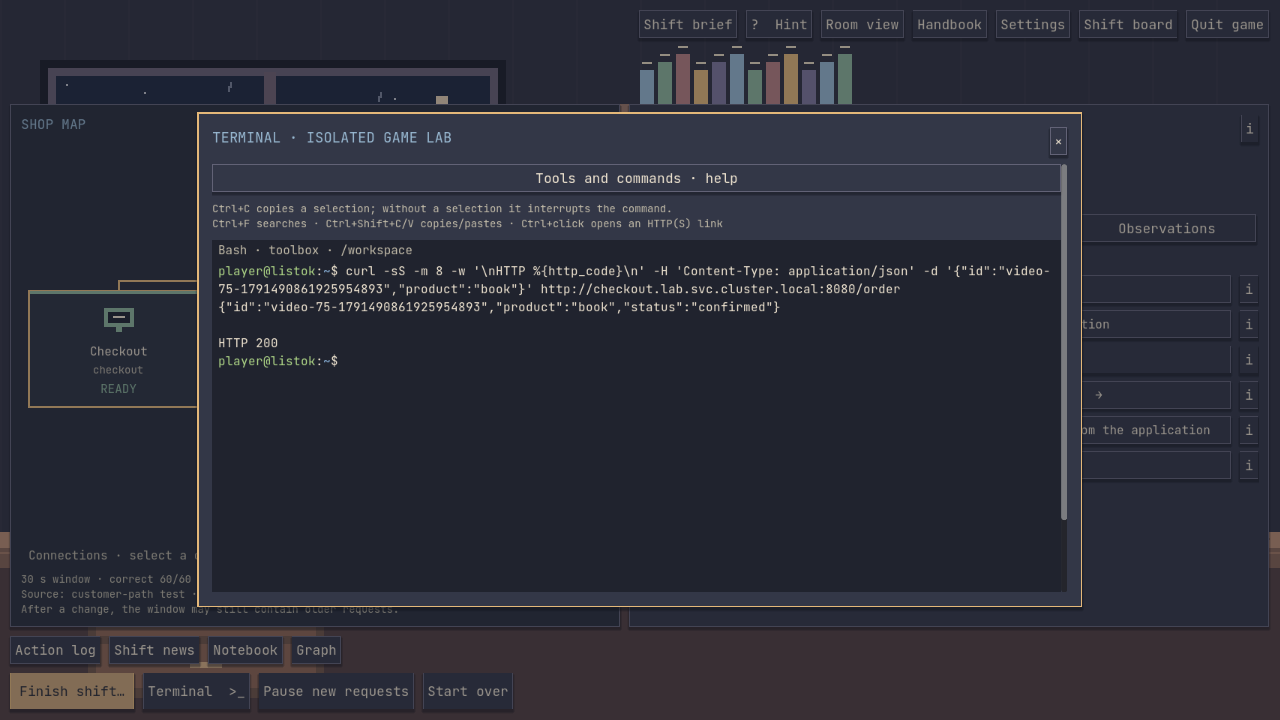
- Choose how you work. Start with command cards, hints, and the in-game handbook, or open the terminal when you want to go further.
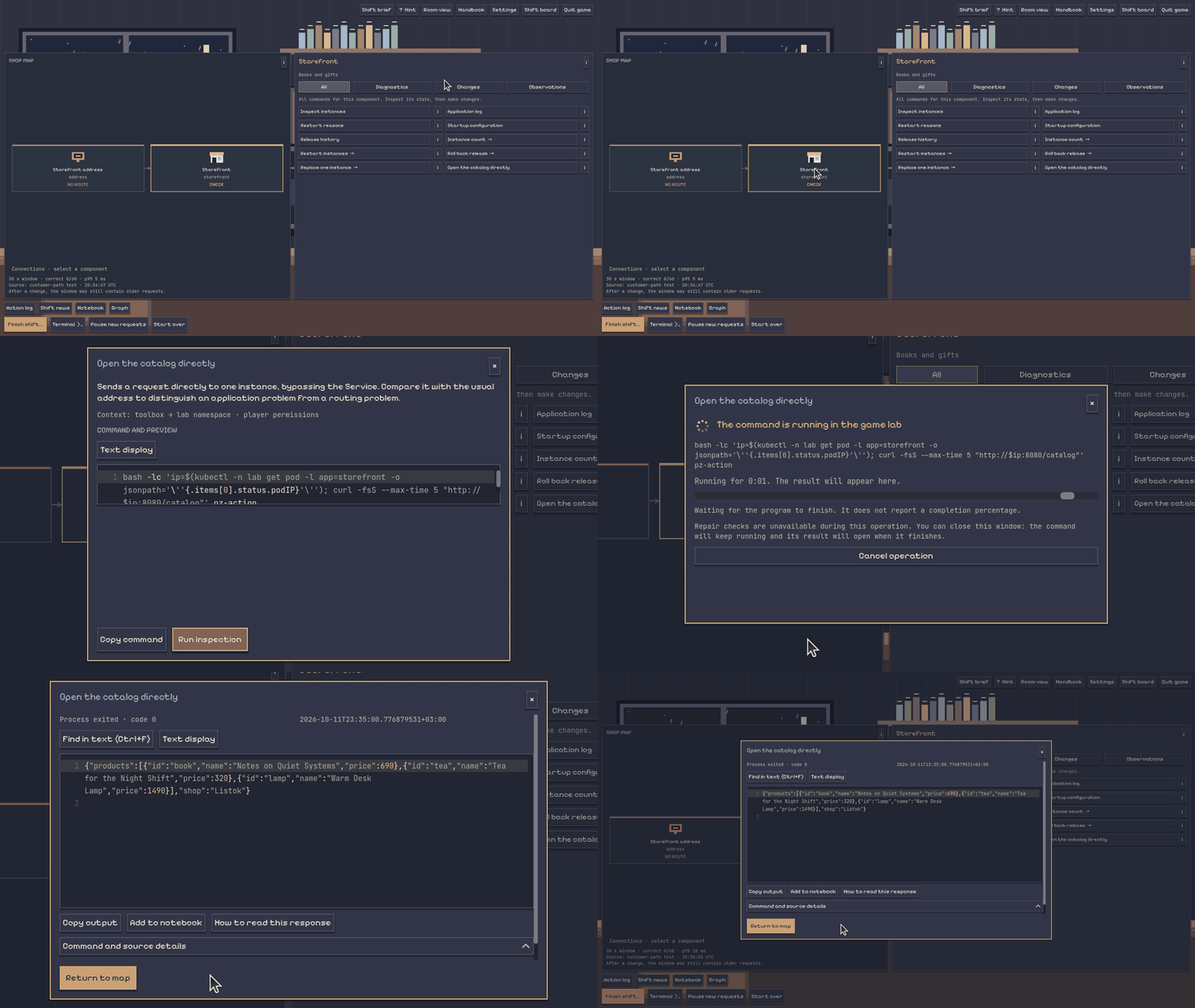
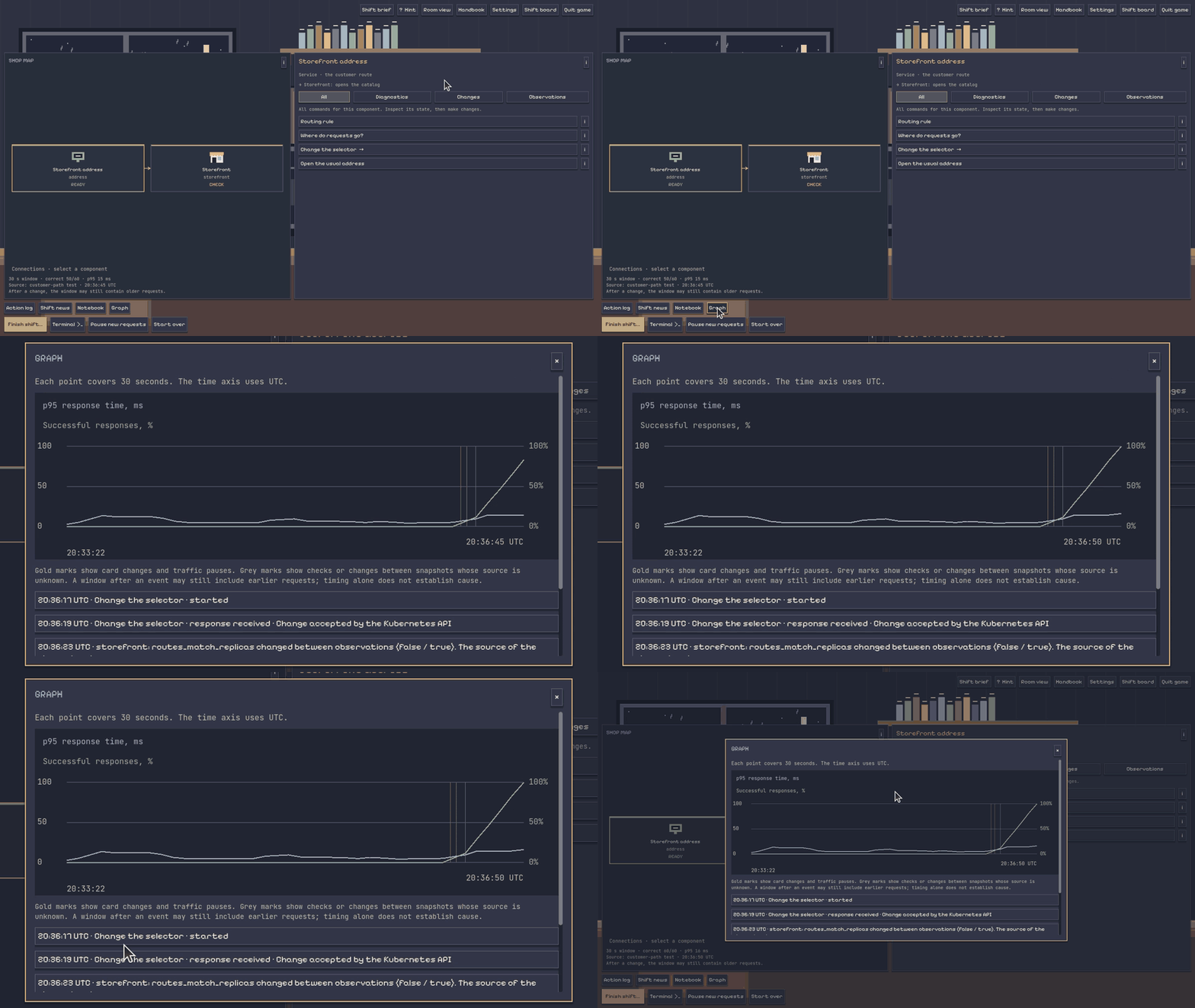
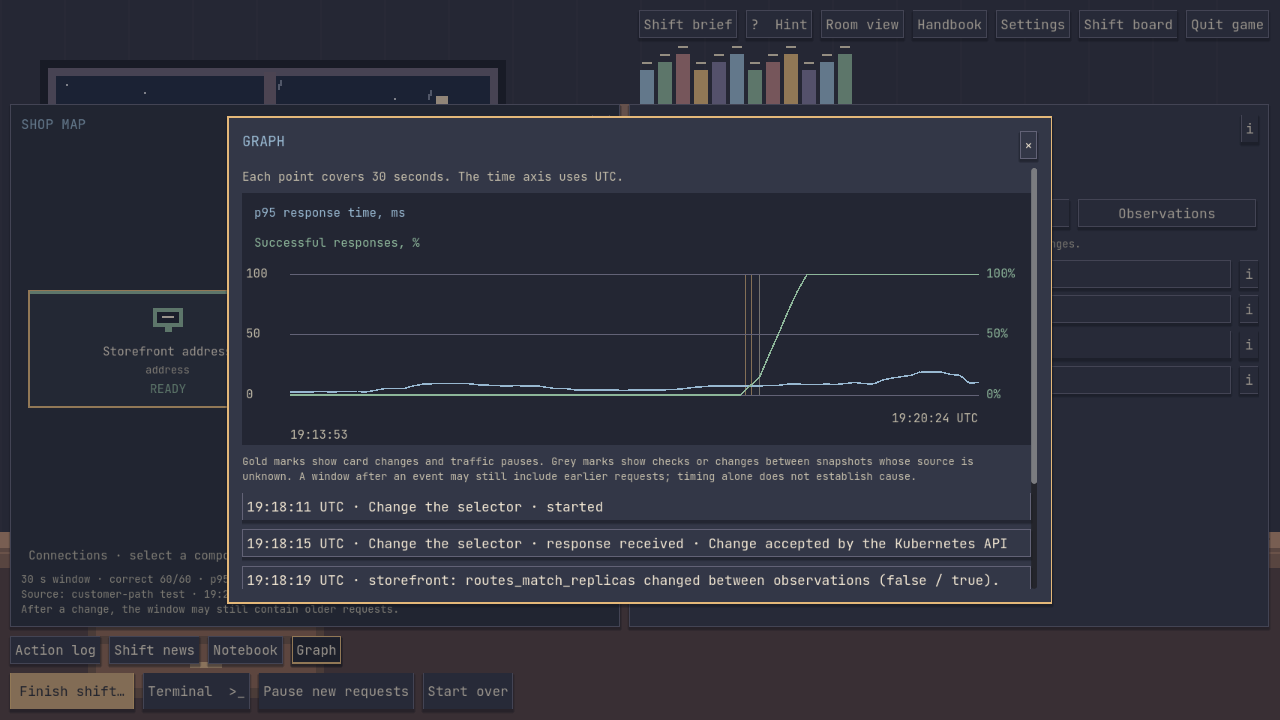
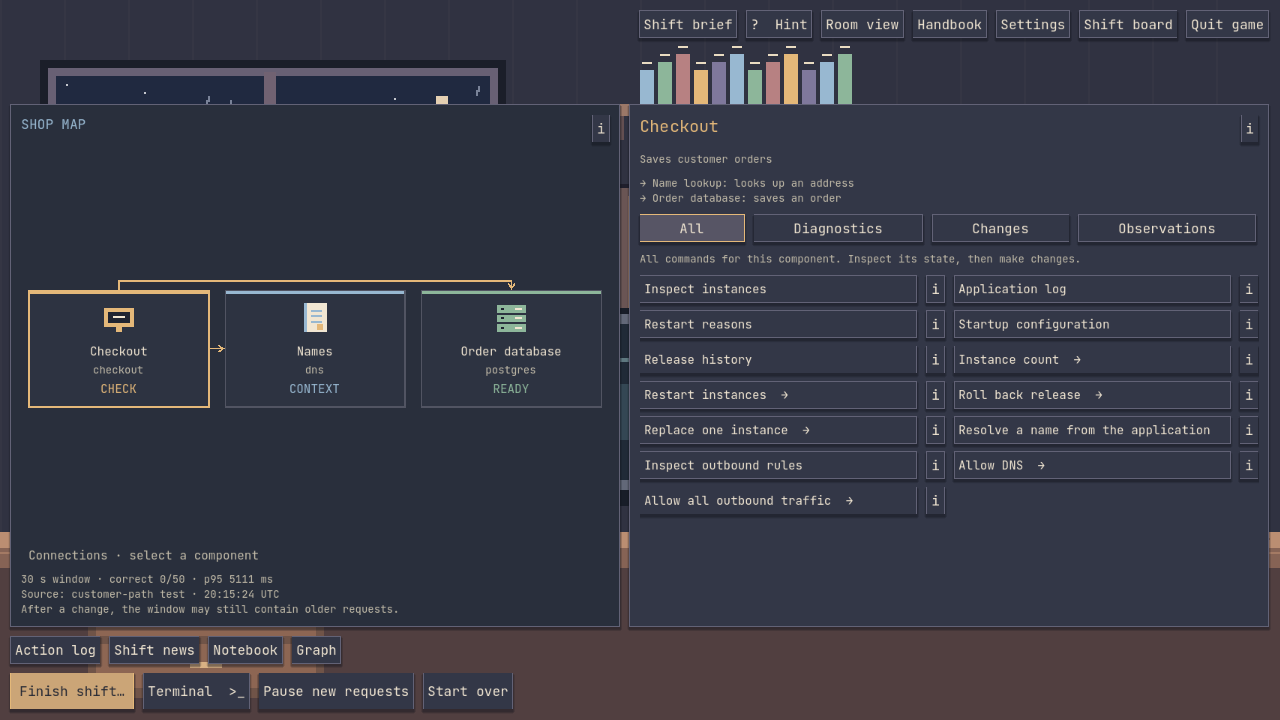
- Keep track of the evidence. Follow the service map, search through technical output, save notes, and watch the graphs as the shop changes.
- Check the repair. A separate check tests whether customers can use the shop and whether the fix holds up.
- Take time to think. There's no score penalty for taking your time or asking for a hint. Rain, a warm lamp, and a cat keep you company.
Who is it for?
Pager Zero is for people who enjoy troubleshooting and deduction, students curious about how services fit together, and engineers who want a small incident to investigate without putting a real shop at risk. You can begin with the tutorial and command cards; knowing every terminal command in advance isn't necessary.
The clues live in the systems themselves: an error in a log, a setting that does not match what you expected, or a request that succeeds in one place and fails in another. Form a theory, try a repair, and use fresh evidence to decide what to do next.
Try the free demo
The Demo includes the tutorial and the first three investigations. The full game includes the tutorial and all ten investigations. One purchase includes Windows and Linux, and your demo progress carries over on the same platform.
Languages: English and Russian. Players: single player. Controls: mouse and keyboard. The game works offline and is in active development.
Installation guides
Choose your platform below for the full installation steps, requirements, and help with startup issues. These guides are also included in the download instructions.
Windows — installation and troubleshooting
Download and launch
- Download the Windows Demo or Full ZIP and choose Extract All. Wait for extraction to finish; do not run the game from inside the ZIP.
- Open the extracted folder and double-click PagerZero.exe. Keep all the other files and folders beside it.
- Choose English or Russian on the first-launch screen, then start with the tutorial. The first lab preparation can take a few minutes.
Requirements and first-time setup
Windows 11, 64-bit Intel or AMD PC. Hardware virtualization and Windows Hypervisor Platform (WHP) are required. We recommend 16 GB RAM and an SSD. Before starting the lab, at least 6 GiB of memory must be available; keep at least 20 GB free after extraction (the launcher requires 18 GiB).
If the launcher asks for setup, follow its explanation to enable the named Windows feature and restart when requested. Hardware virtualization may also need enabling in your computer's firmware. Run the game as a standard user. You do not need a separate Linux installation, Godot, Go, Docker, or a database.
If the game does not start
- If the launcher reports insufficient memory or disk space, free the indicated resource and try again.
- If Windows displays a warning or blocks a file, save the exact message or take a screenshot. Mention whether it names Microsoft Defender SmartScreen, Smart App Control, or error 4551 when contacting support. This build is unsigned, and Windows trust policies can block it. Do not turn off Windows protection or add antivirus exclusions to run the game.
- Start PagerZero.exe, rather than the bundled client, sessiond, or QEMU programs separately.
Close the game through its menu or window close button; its lab closes with it.
Linux — installation and troubleshooting
Download and launch
- Download the Linux x86_64 Demo or Full ZIP and extract it completely.
- Open the extracted folder and run PagerZero. Keep all the other files and folders beside it.
- Choose English or Russian, then start with the tutorial. The first lab setup may take several minutes. Wait until the game says the shift is ready.
If your file manager does not start the game, open a terminal in the extracted folder and run:
./PagerZero
If it says “Permission denied”, mark PagerZero as executable in its file properties, or run:
chmod +x PagerZero
./PagerZero
Run the game as your normal user, without sudo. You do not need to install Godot, Go, Docker, Kubernetes, or a database.
Requirements and possible startup issues
Linux x86_64, Ubuntu 24.04 or a compatible system with glibc 2.39 or newer, with working graphics and audio drivers. 8 GiB RAM is recommended. Keep at least 17 GB free after extraction for the lab (the launcher requires 15 GiB).
The lab needs either working unprivileged user namespaces with bubblewrap or Landlock ABI 6 or newer. The launcher checks the sandbox and explains a failure. If your system blocks startup, send us the error rather than disabling its security settings.
KVM makes the lab faster when available. Without KVM, software emulation takes longer; initial preparation can take several minutes. Keep the bundled runtime in the extracted folder and wait for preparation to finish.
If launch still fails, send your Linux distribution and version, the file you started, and the exact error. A screenshot helps.
Keep in touch
Questions or feedback? Leave a comment or email pagerzerogame@protonmail.com.
Instagram: @pagerzerogame · YouTube: @PagerZeroGame
© 2026 Zeldrizz. All rights reserved.
Purchase
In order to download this game you must purchase it at or above the minimum price of $4.99 USD. You will get access to the following files:
Download demo
Leave a comment
Log in with itch.io to leave a comment.